The quote you meant to send tonight, already drafted.
Turn a tech's note into a quote at your labor rate, send it as a link, and let the customer approve on their phone. Quotes waiting on a customer come back to you as a follow-up.
Quotes
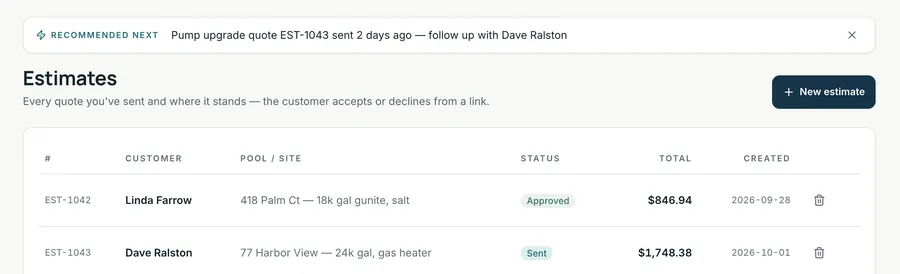
A quote has the customer and pool, line items for Part, Labor (hours at your labor rate) and Fee, plus valid-until, tax rate and an optional supplies amount. Defaults are a $95/hr labor rate and 7% tax; change them to your pricing and local rules. You can dictate line items and notes in Chrome and Edge.
- Save keeps a draft. Generate PDF makes a printable copy.
- Share marks the quote sent and copies a link to paste into your text or email.
- The customer opens it on their phone and taps Approve estimate or Decline.
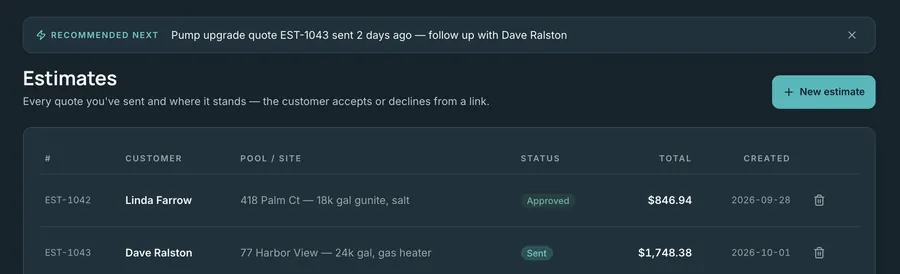
- Status moves Draft → Sent → Approved or Declined. A quote still waiting shows up on your Brief, and can become a follow-up proposal.
Red, yellow, green. Shared by link.
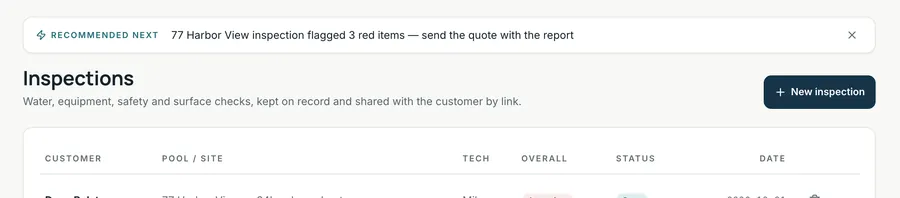
A full pool inspection with the volume and five sections: Water Chemistry, Circulation & Filtration, Sanitation & Heating, Surface & Structure, and Safety, including VGB drain covers and the gate latch. Mark each item OK, Monitor or Attention, add notes, and send the customer the report. An Attention item is a natural start for a quote.
Digital inspection reports for customers are included in the Growth plan.
Put the load down.
The goal isn't more software. It's less work sitting in your head after the route.